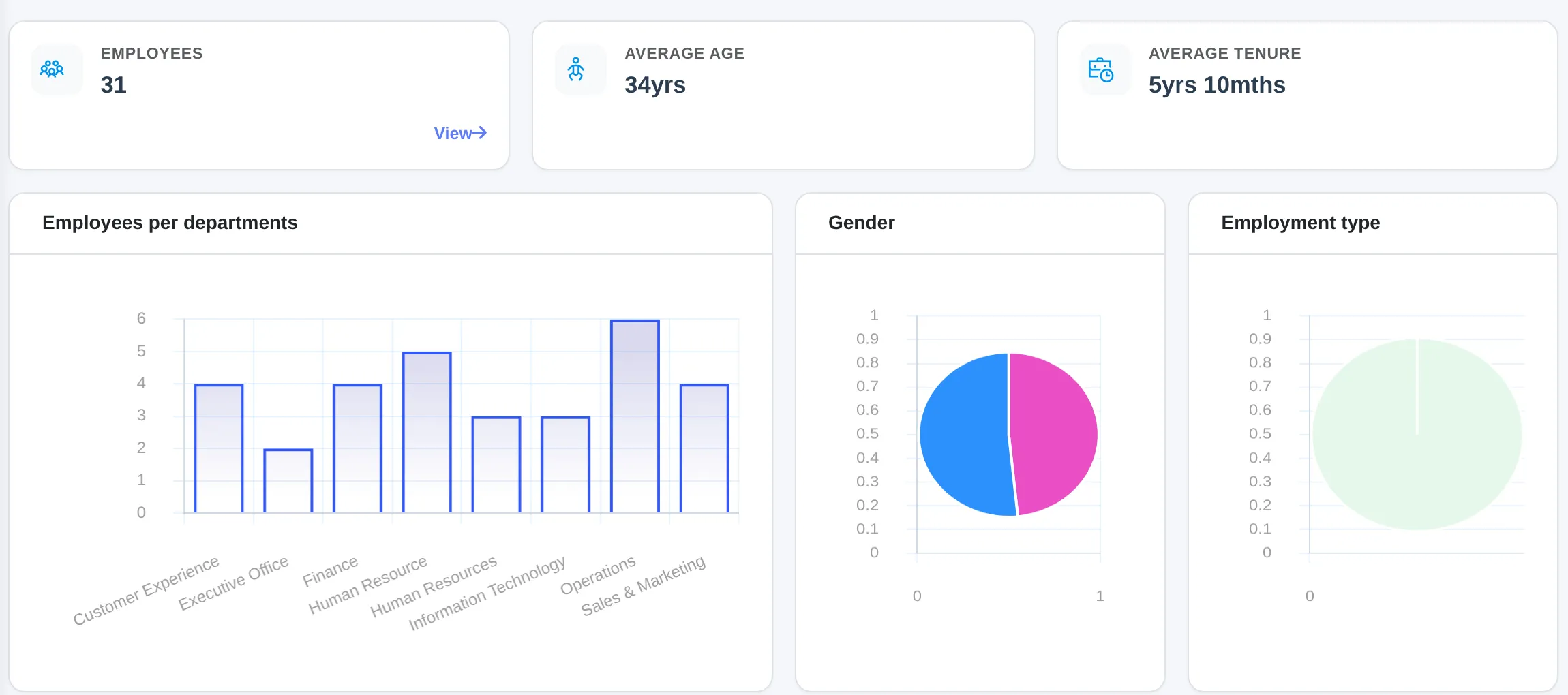


Clock in at approved locations
Record attendance at your work site, from home or at a client’s office when your employer allows it.
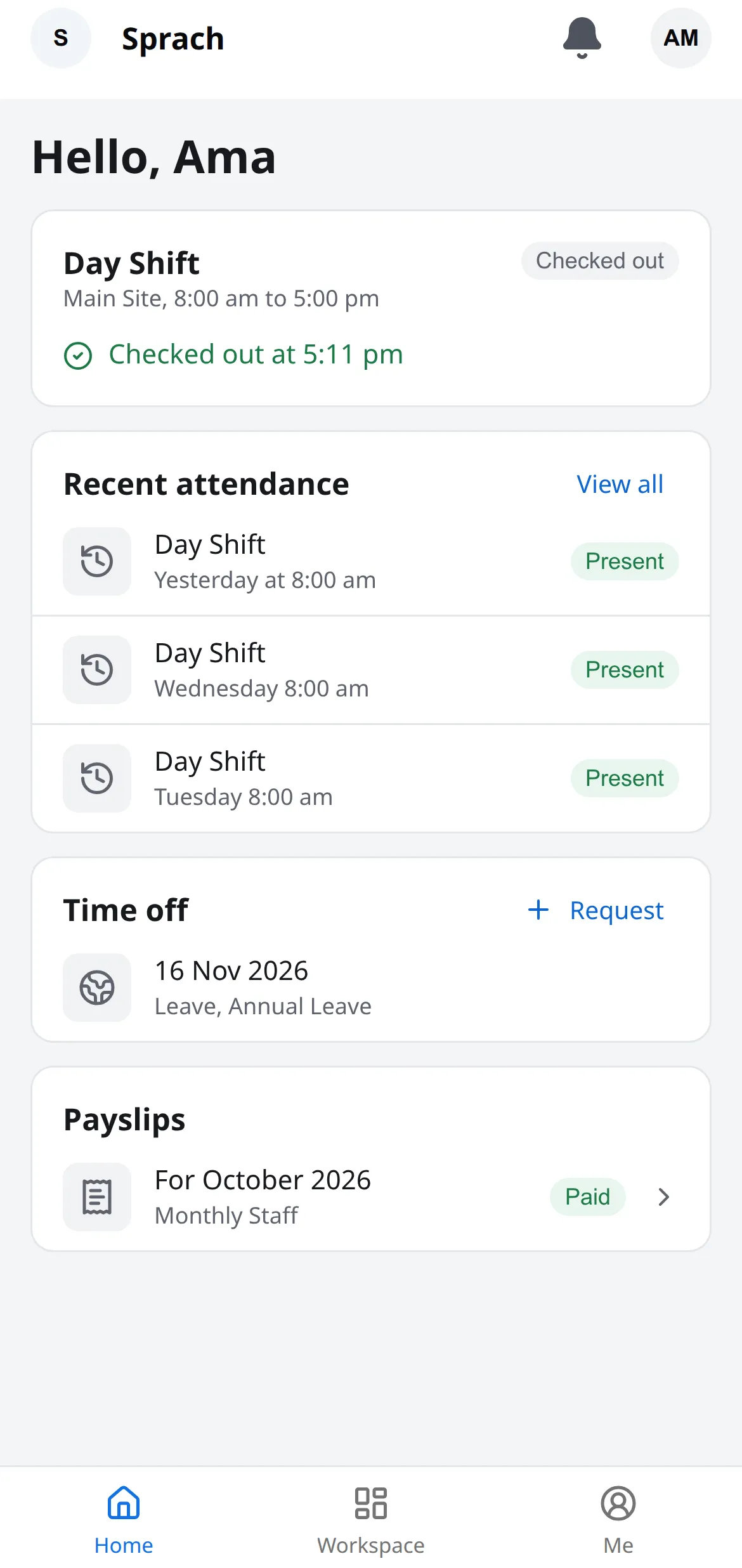
Clock in, request leave and check your payslips. Sign in with the work email or phone number your employer registered.
Open on the webUse Self Service in a phone or laptop browser. To clock in by phone, use the iOS or Android app.
Scan to open on your phone
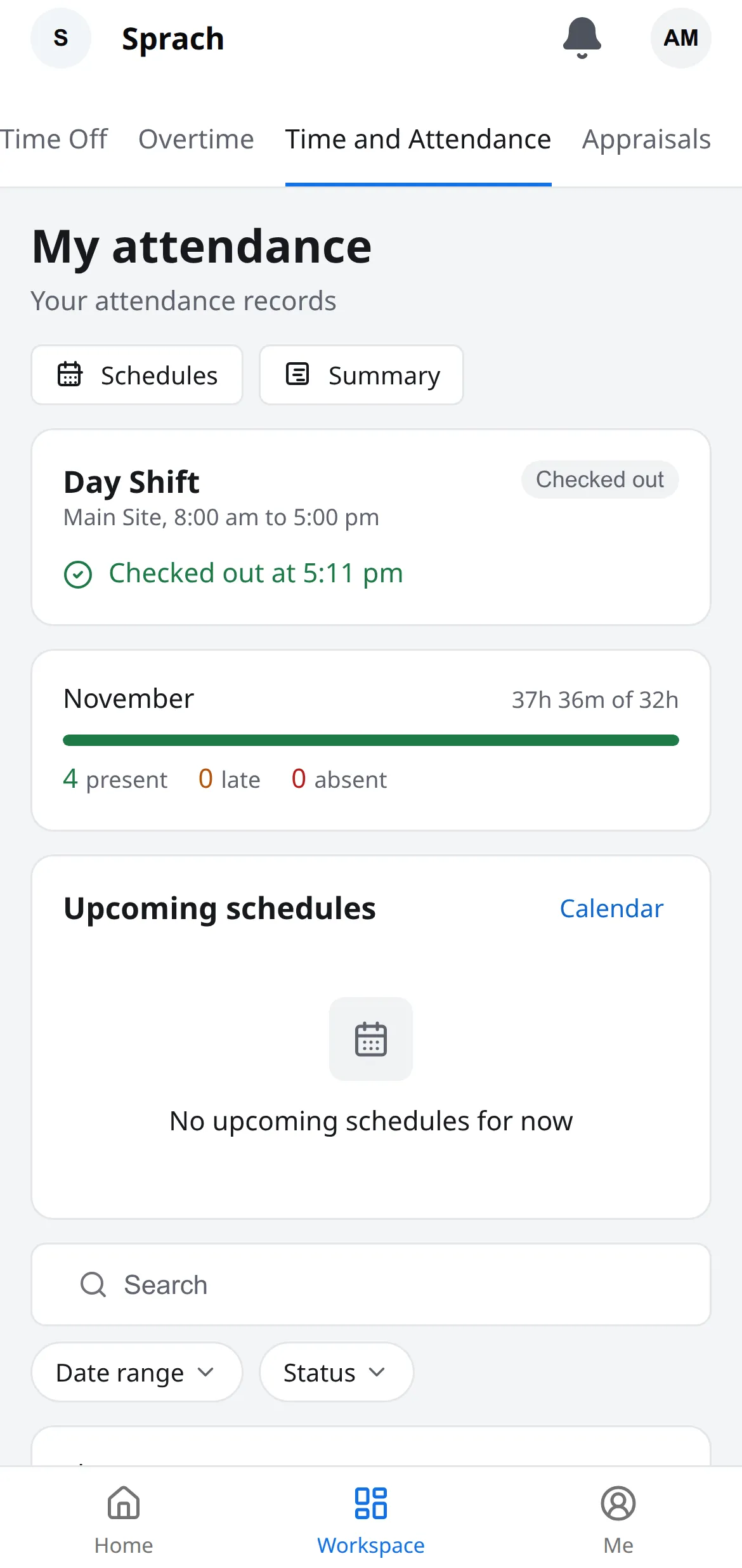
Record attendance at your work site, from home or at a client’s office when your employer allows it.
Check your remaining leave balance before you apply. Get a notification when your request is approved or declined.
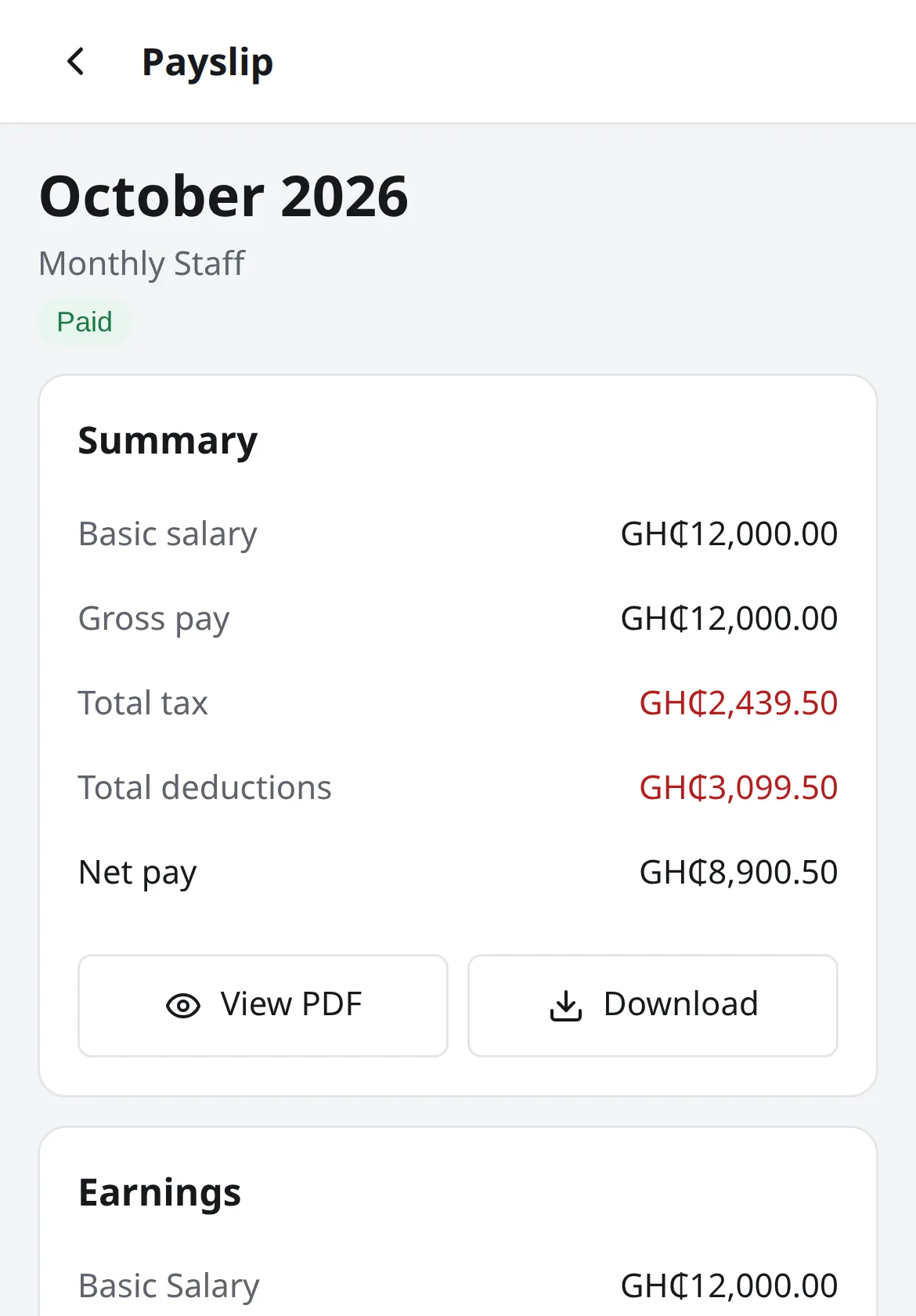
See your salary, tax and deductions for each pay period. Download a PDF for your records or when you need to share proof of income.
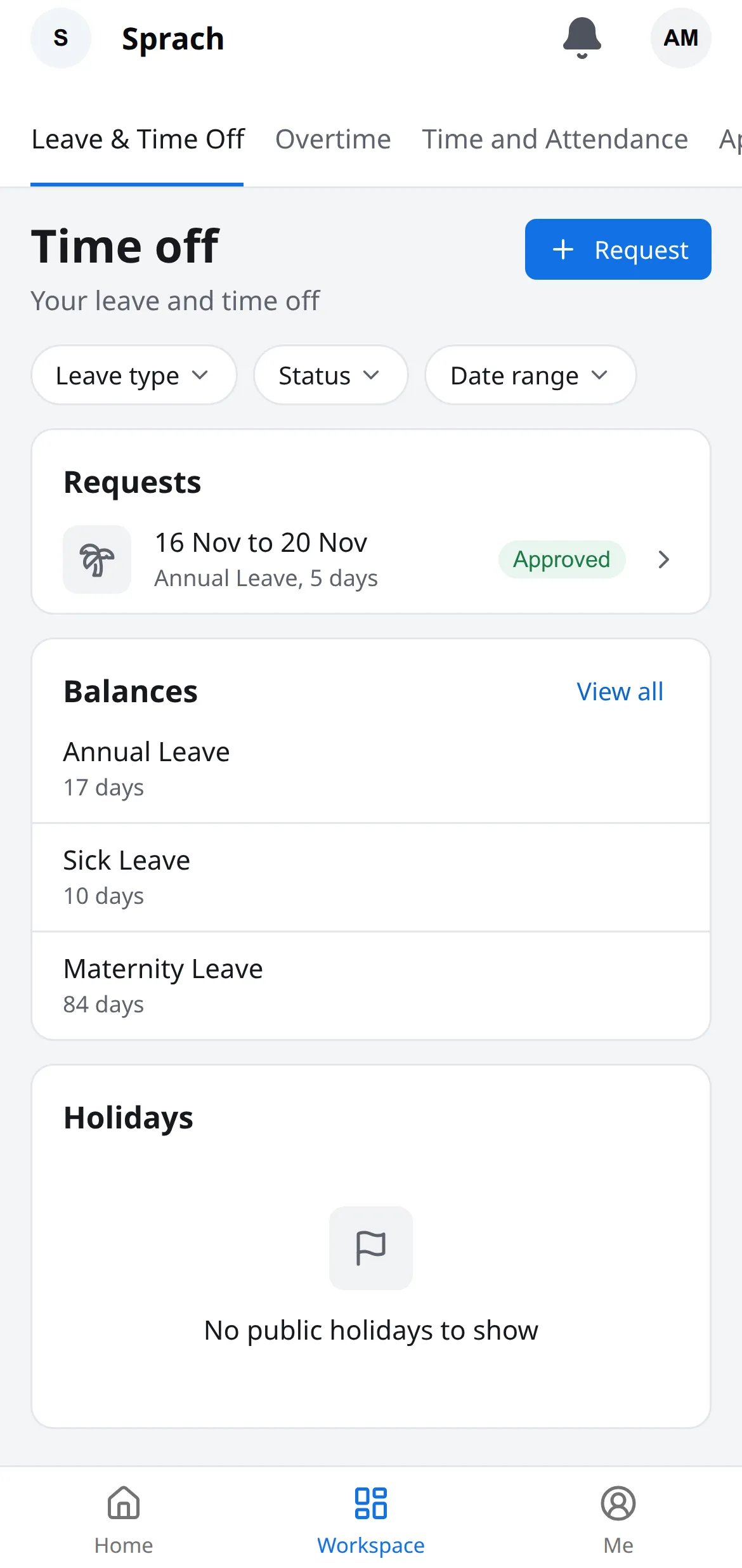
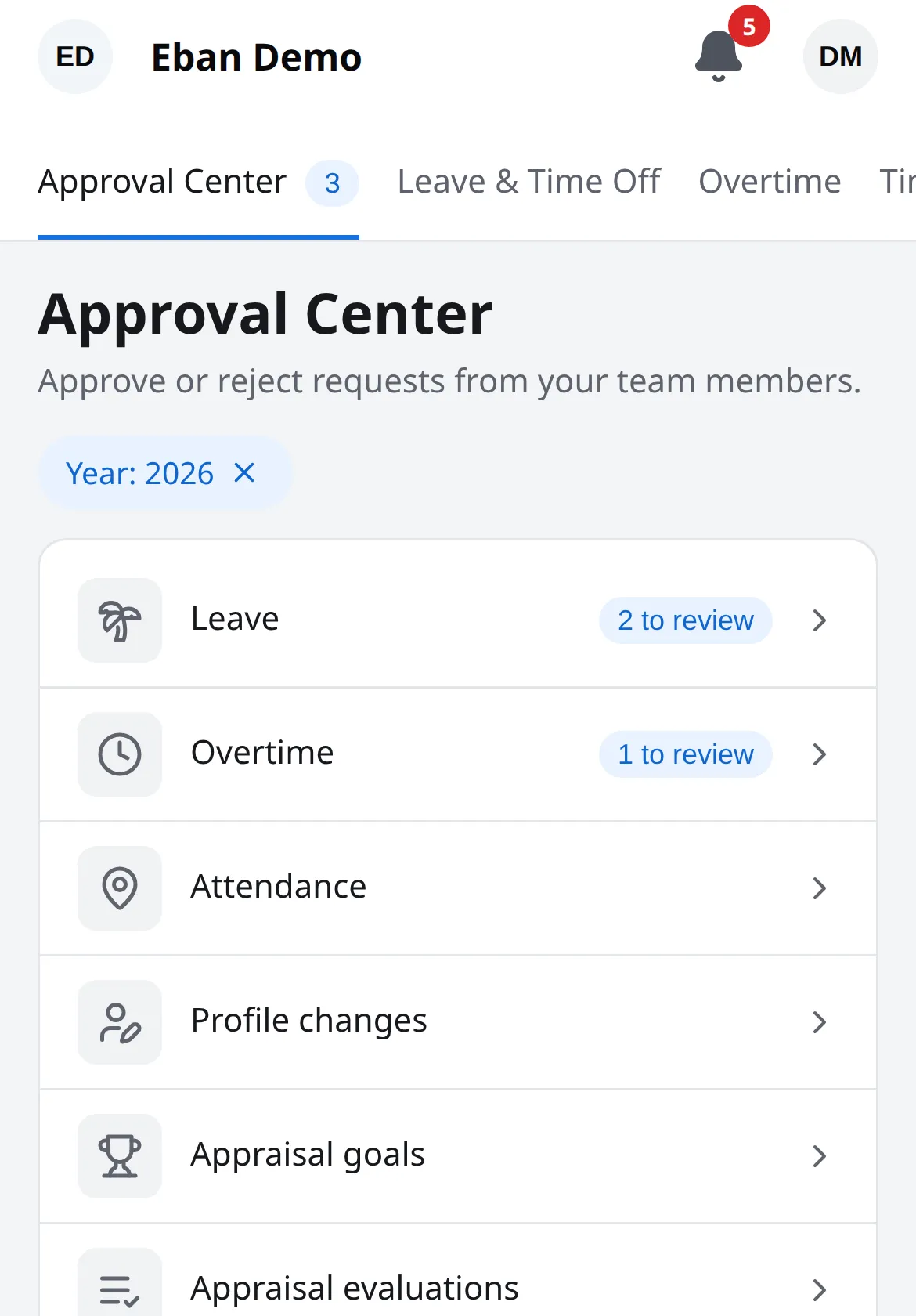
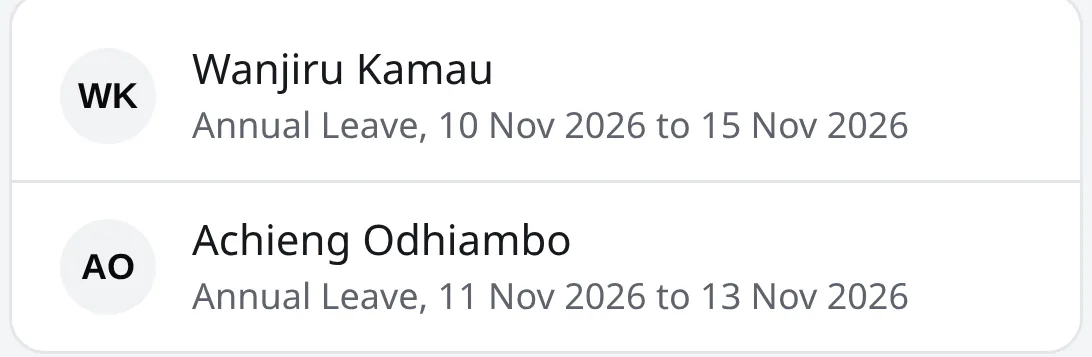
Review leave, overtime and remote clock-in requests, then approve or decline them in the app.
Check who is on leave and when they are due back before assigning the day’s work.
Check upcoming shifts, start times and work locations.
Record extra hours and send them for approval.
Review your goals and past appraisals.
Open letters and contracts shared by HR.
Set up your organization, manage employee records, connect attendance devices, approve leave and run payroll.
See what the Admin Console does