


Time and attendance
Time and attendance software for every branch
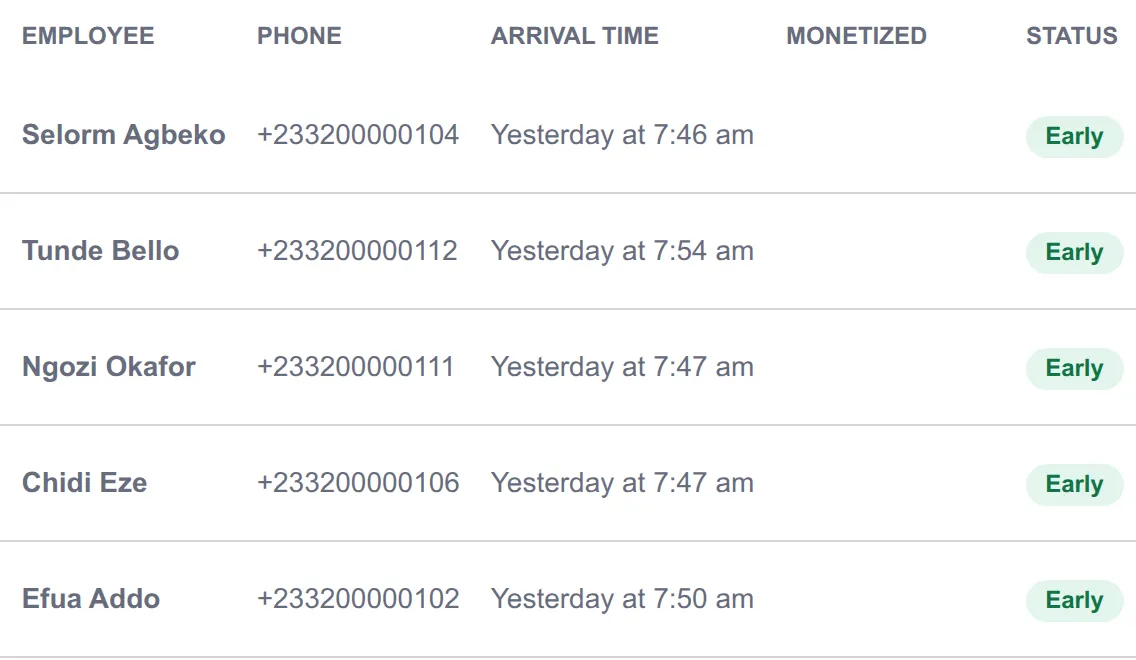
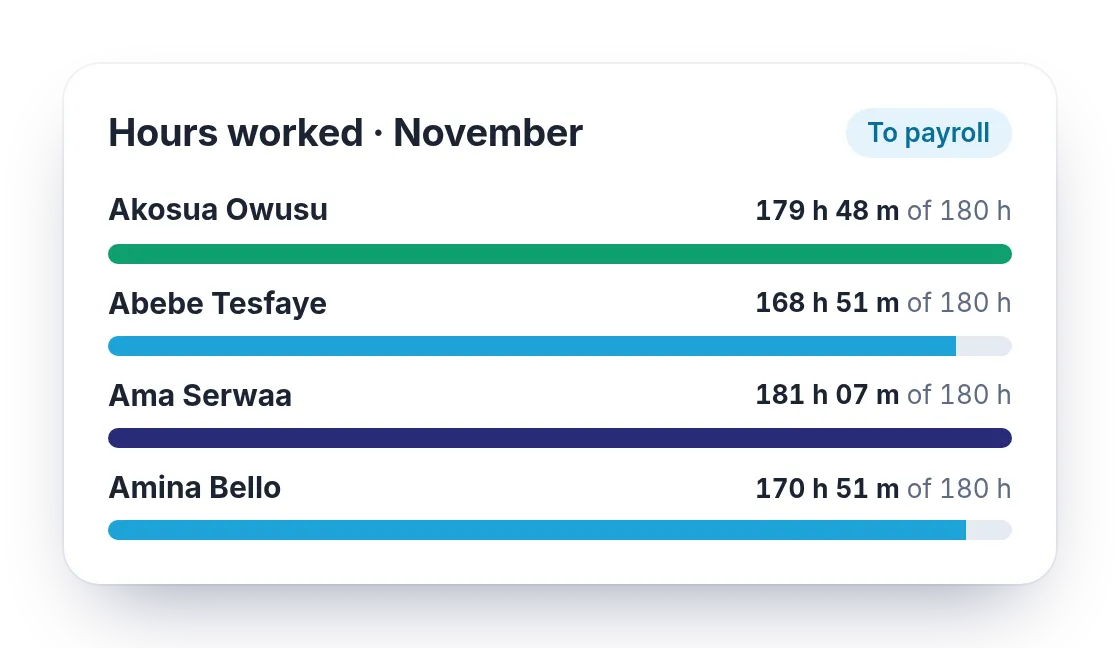
Employees clock in on biometric readers or in the Eban Register app. Each day is checked against their shift, and hours worked go to payroll.
From shift plan to payroll
-
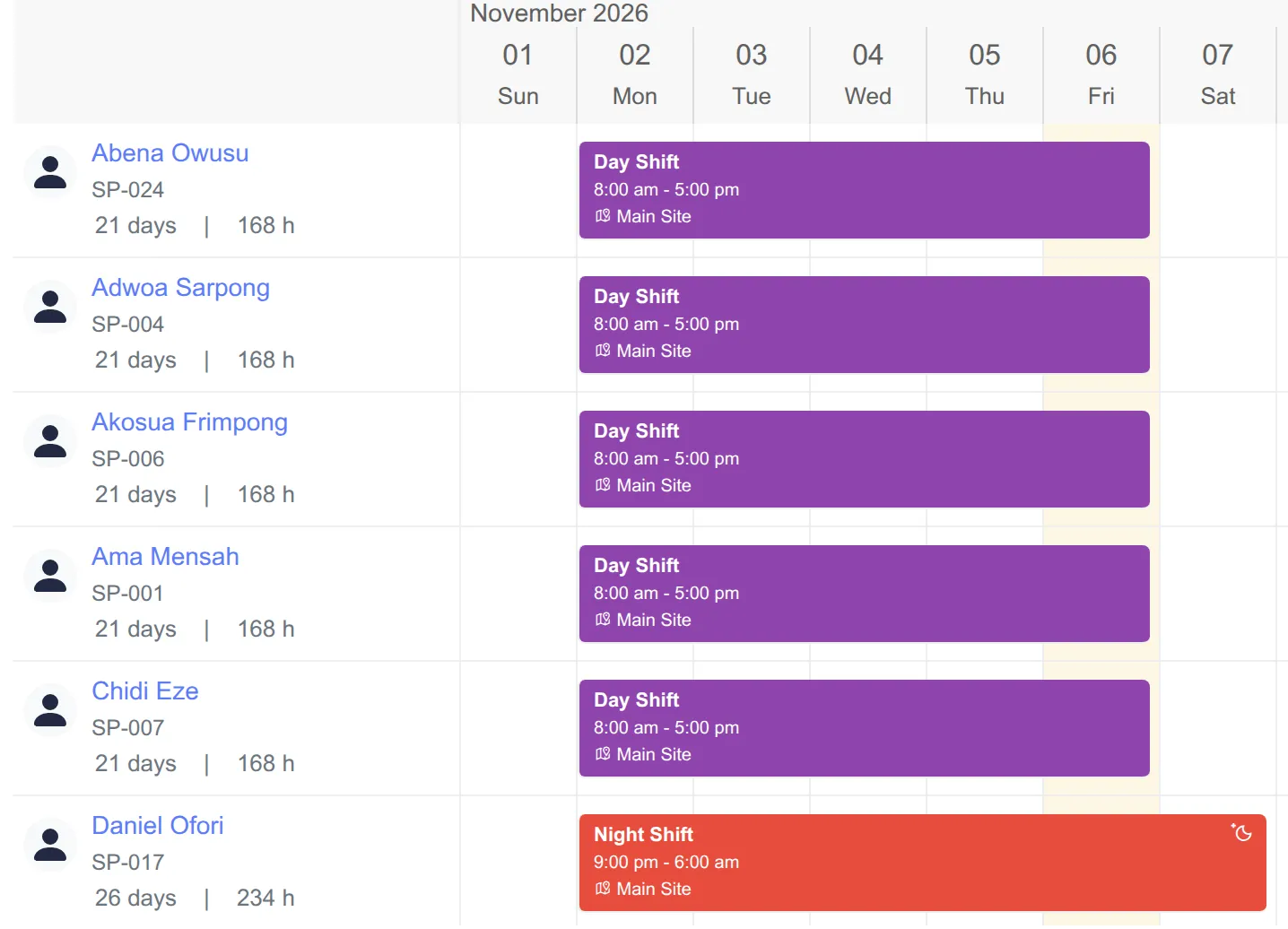
Plan shifts
Set work schedules, including night shifts and rotations, and assign them to employees or groups.
-
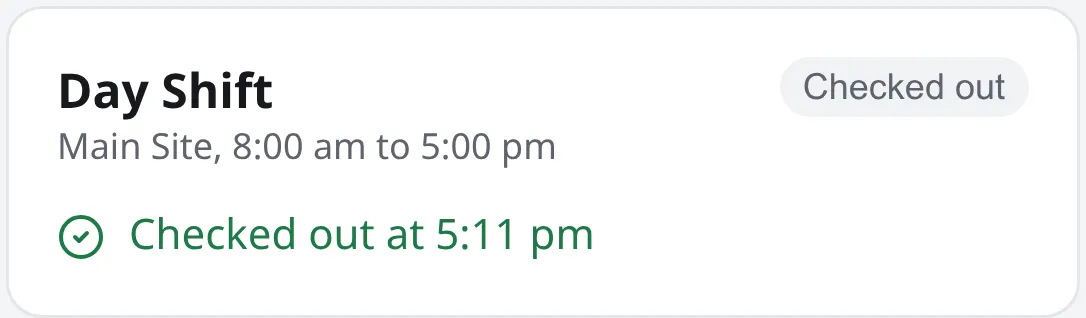
Clock in at a reader or in the app
Employees use the biometric readers at your sites, or the app when they are within a site’s boundary.
-
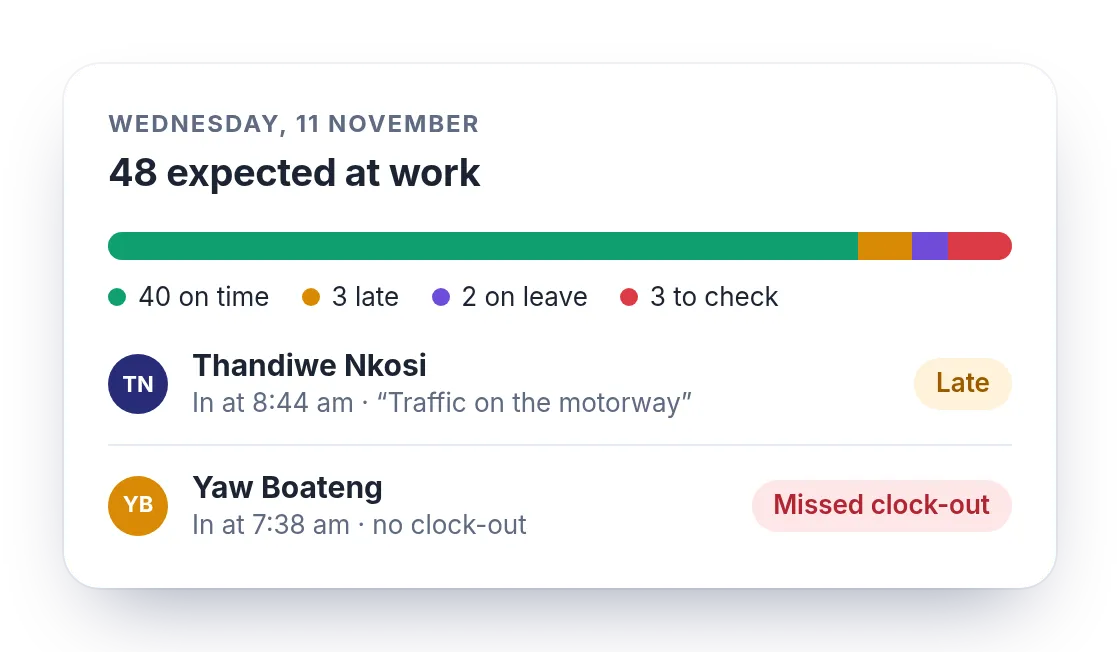
Review exceptions
Late arrivals and missed clock-outs are flagged for HR. Employees can add a reason for a flagged day in the app.
-
Send hours to payroll
Pay for employees paid by the day or hour is worked out from the time they clocked.
Choose how each team clocks in
-
Biometric readers
Fingerprint and face readers at your sites, including ZKTeco, Hikvision and Suprema.
-
Phone clock-in
Employees clock in with the app when they are within a site’s boundary.
-
Remote clock-in
Field staff can clock in away from a site, with or without a manager’s approval.
-
Entry by HR
HR can record attendance by hand, or for a group at once, when a clock-in is missed.
Employees see their own attendance
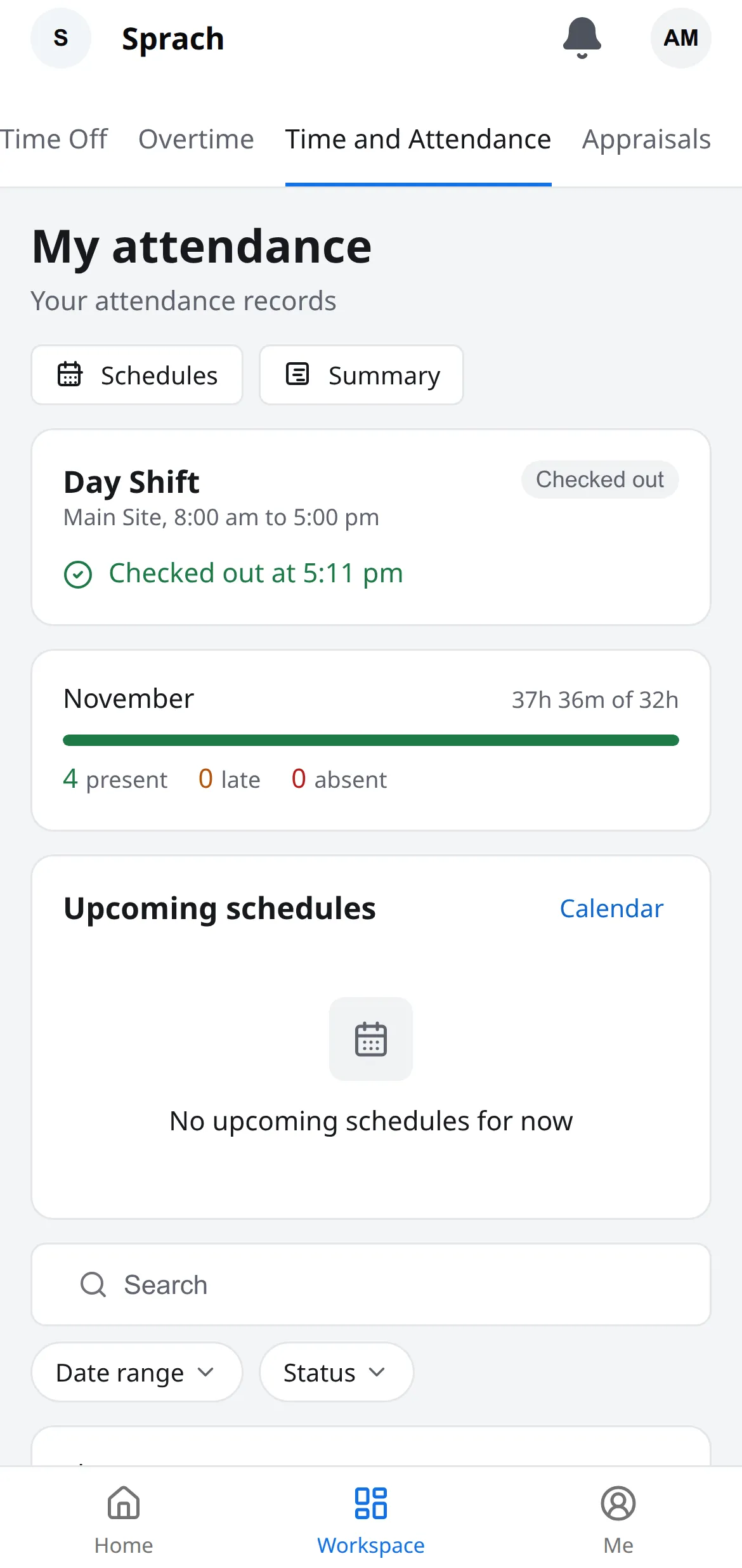
The app shows each employee their days present, hours worked and upcoming shifts, and reminds them to clock out.
Keep track of every reader
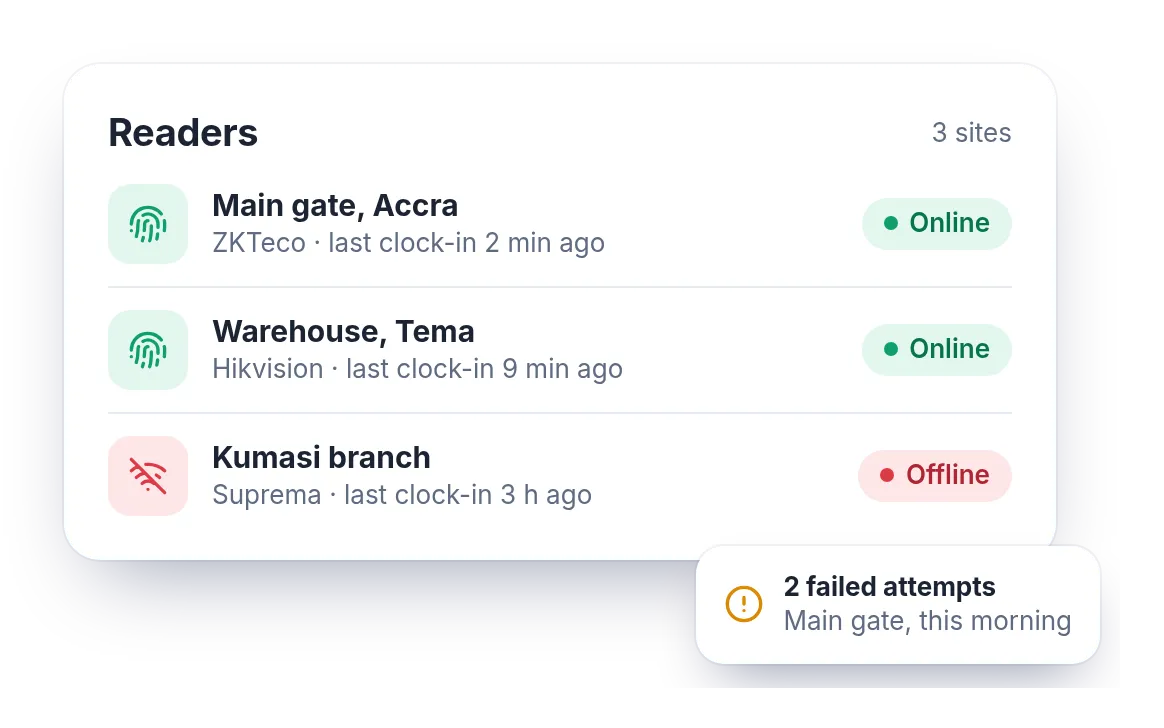
See your readers by site, check that each one is online, and review failed clock-in attempts.
Attendance reports for every branch
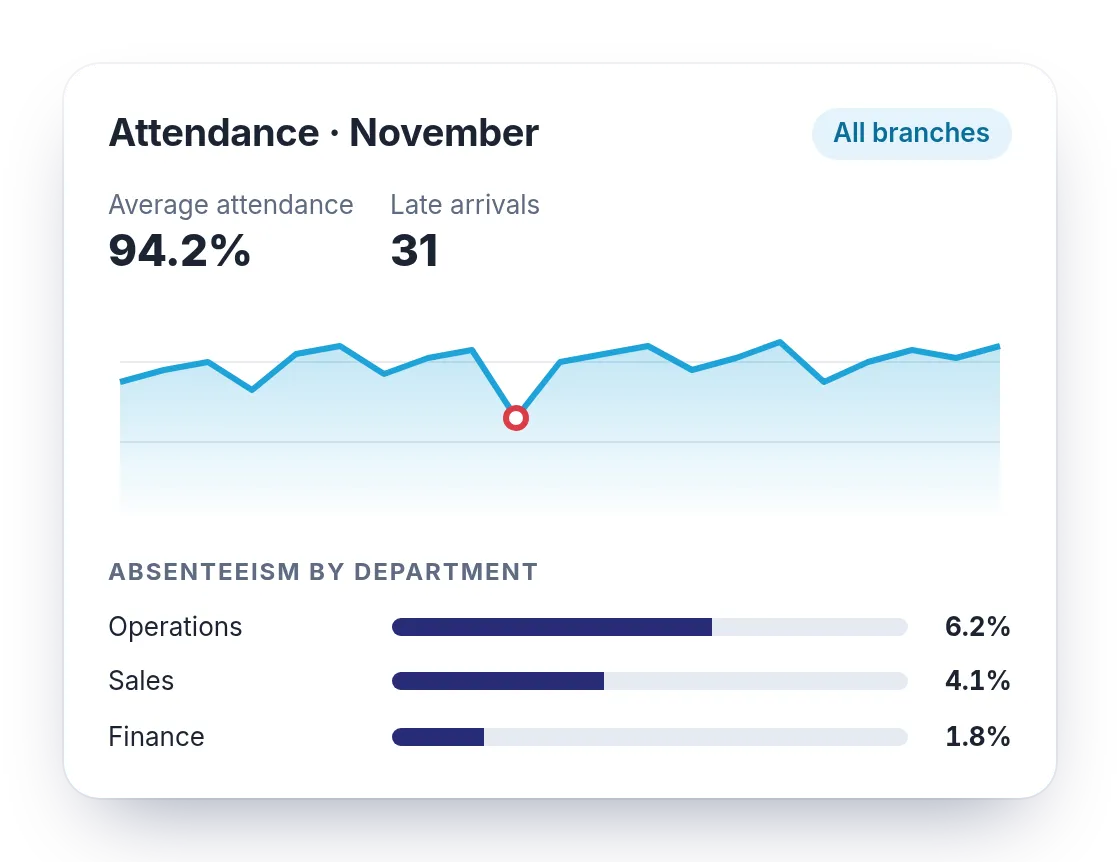
Review absences, lateness and hours worked by employee, branch or department. Export any report to Excel or PDF.
Keep exploring
- Biometric, GPS or NFC: choosing how your staff clock in Guide
- Remote and field staff: three ways to handle off-site clock-ins Guide
- Ghana’s public holidays after the 2025 changes Guide
- Overtime pay calculator Free calculator
- Time and attendance in the help center Help center
- Overtime management Product page
- Payroll software Product page
Attendance FAQ
Can we keep using our current biometric readers?
Do the readers need any software on site?
Can employees clock in on their phones?
How do we handle staff who work away from the office?
Does it handle night shifts and rotations?
What happens when someone forgets to clock out?
Can we manage employees across multiple branches?
Try Eban Register free for a month
No credit card required. Want to see how it works first? Book a demo with our team.