


Performance appraisal: Give every appraisal a clear path to approval
Set goals, collect employee and manager scores, and compare results by employee or department.
A consistent process for every review cycle
-
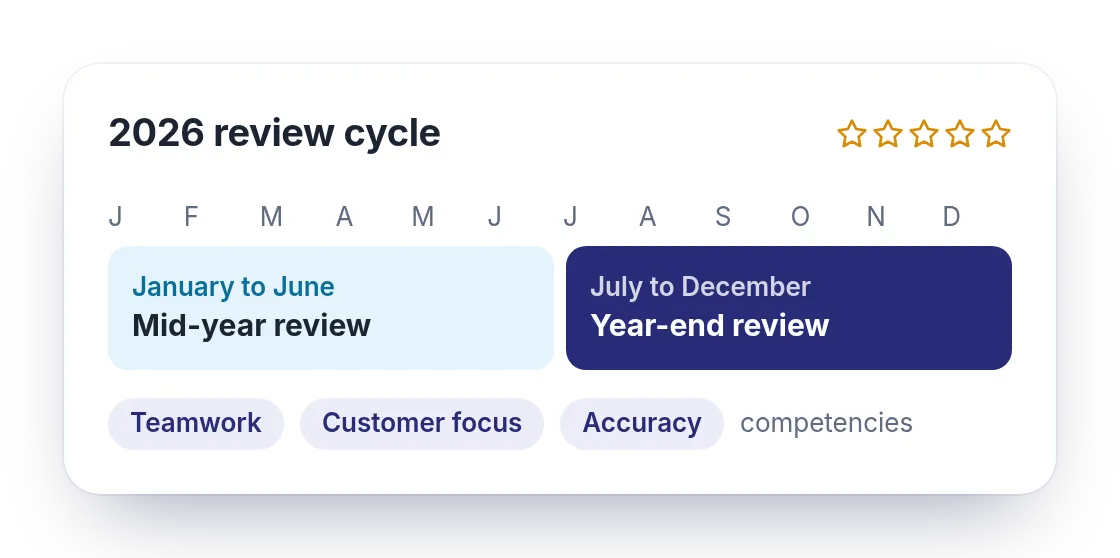
Choose the review period
Run a mid-year review, a year-end review or both. Set the rating scale and competencies for your organization.
-
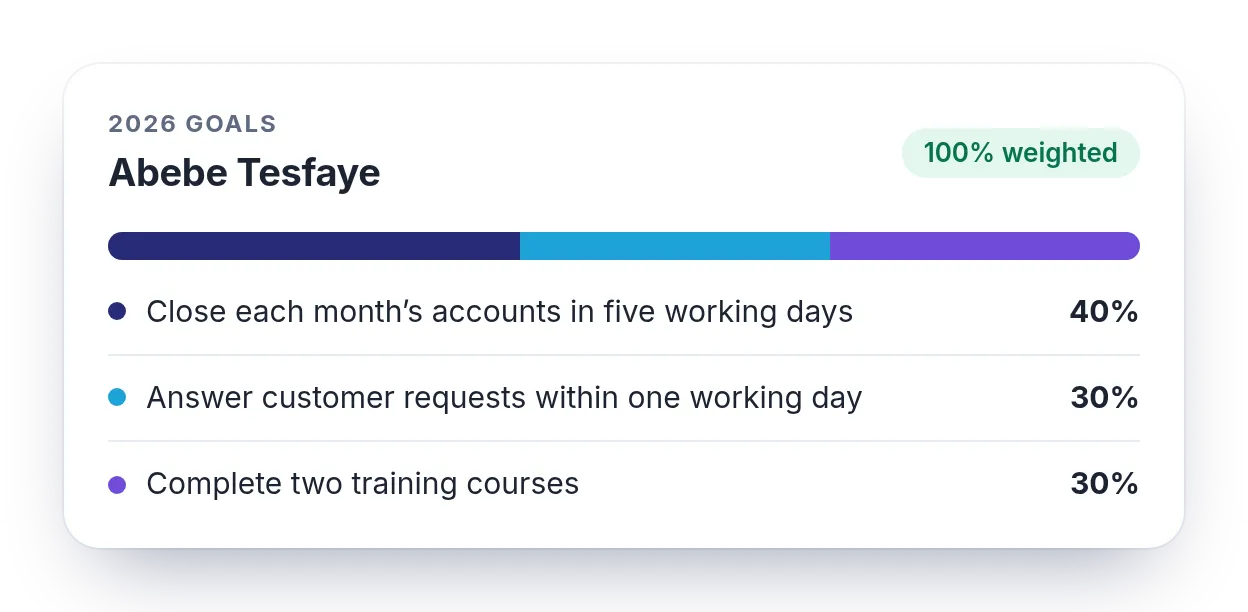
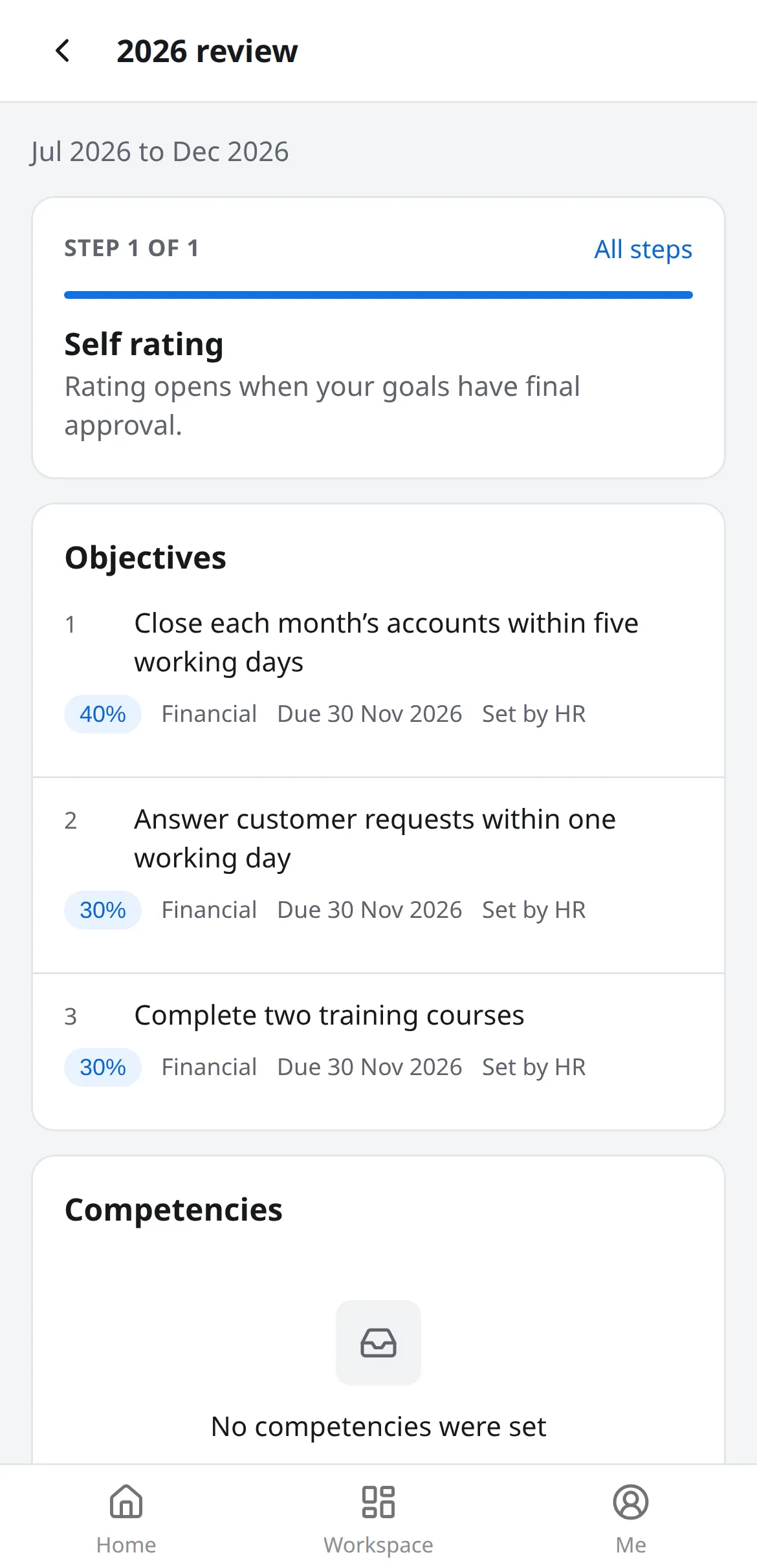
Set employee goals
Employees can enter their own goals in the app, or HR can assign a shared goal to a team.
-
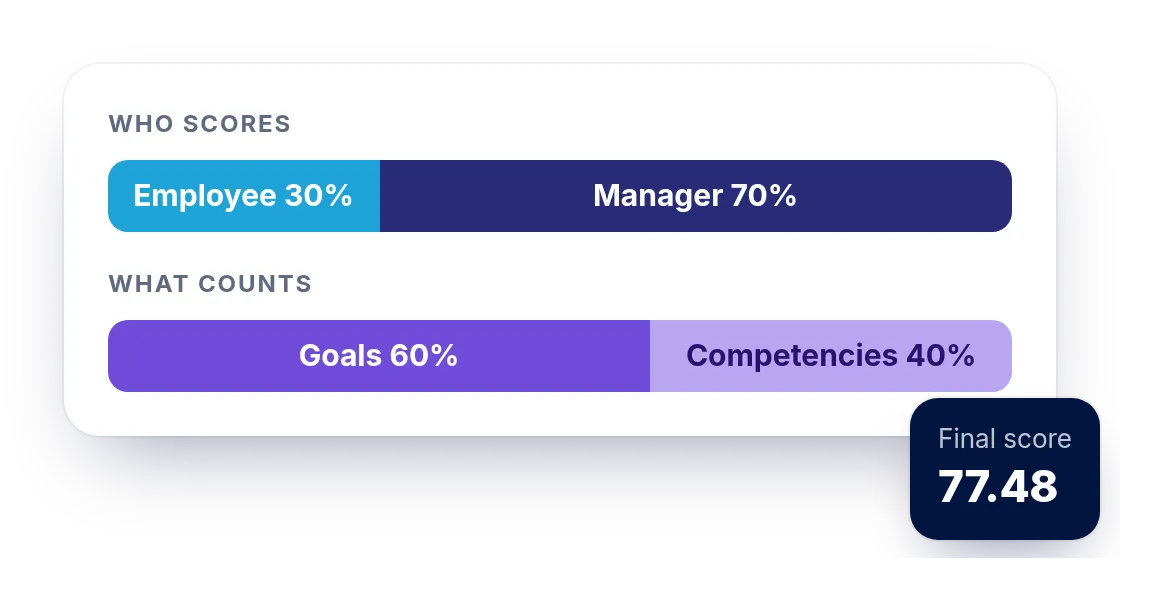
Set scores and weightings
Employees and managers submit scores. Choose how much each score contributes to the final result.
-
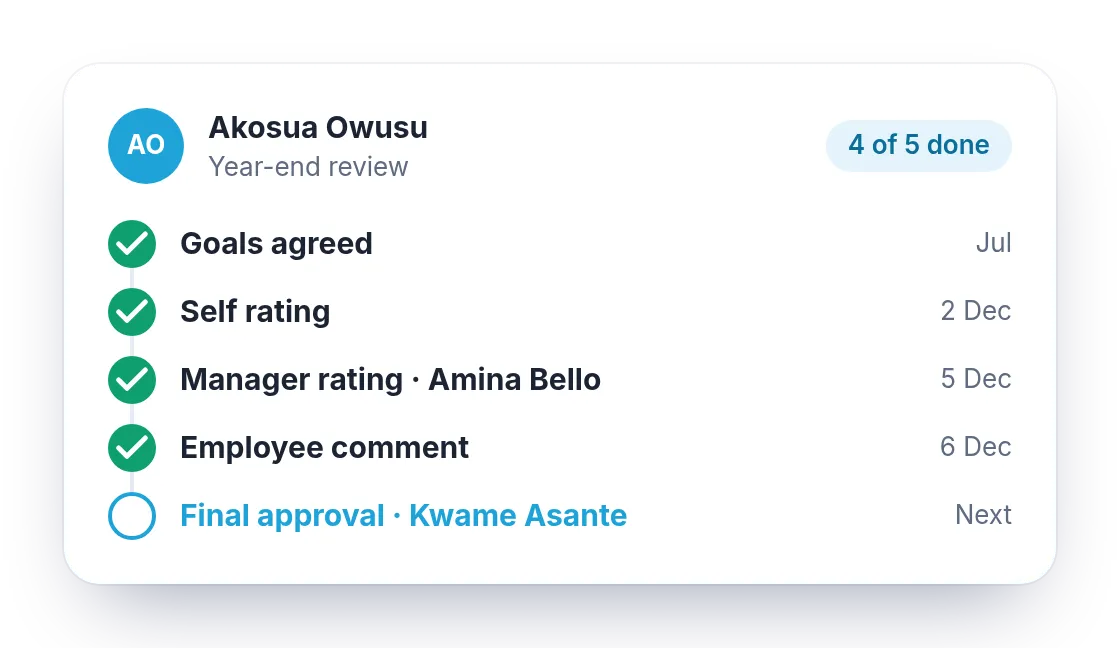
Route reviews for approval
Send each review from the employee to the manager and final approver. HR can see each review’s status.
-
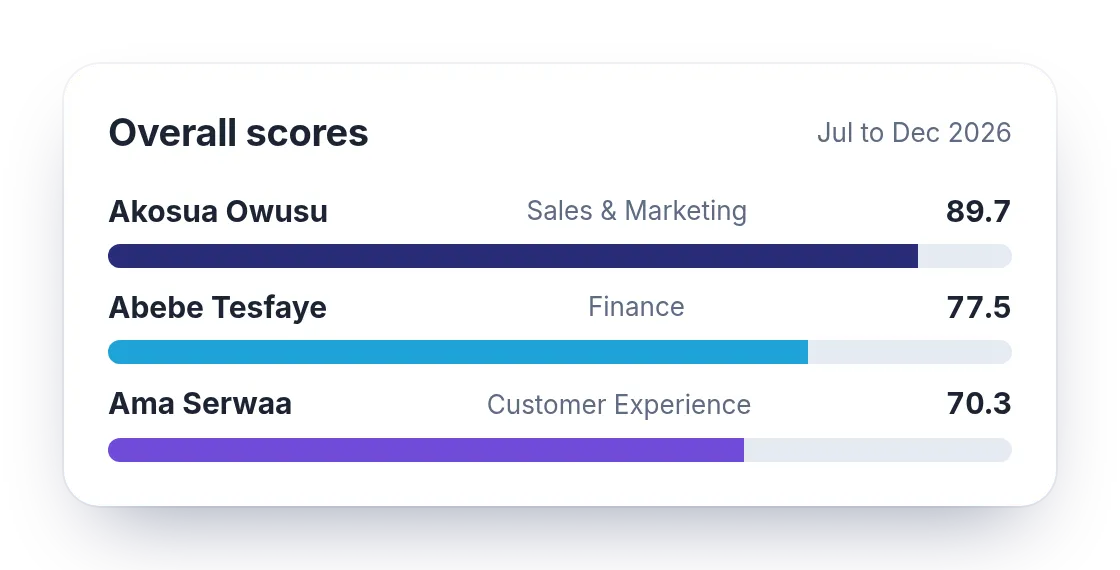
Compare results
Compare objective, competency and overall scores by employee or department.
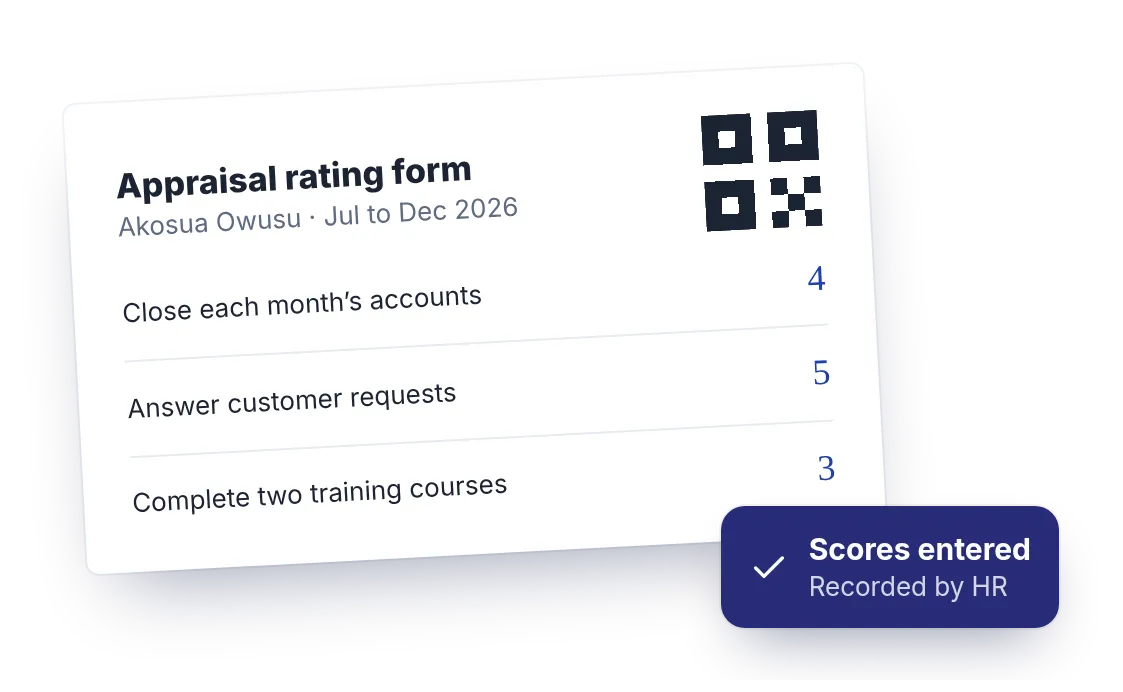
Keep paper-based reviews in the process
Print an appraisal form, then enter the employee’s scores in Eban Register later.
Keep exploring
Appraisals FAQ
How are employee and manager scores combined?
Both can submit scores. You choose how much each score contributes to the final result.
Can we set our own rating scales, goal categories and competencies?
Yes. Configure rating scales and competencies for your reviews, and choose the goal categories employees can use.
Can we run more than one appraisal cycle a year?
Yes. Schedule a mid-year review, a year-end review or both.
Can employees complete an appraisal without a phone or computer?
Print the appraisal form, then enter their scores in Eban Register.
Can HR track review progress?
Yes. HR can see each review’s status and where it is in the approval process.
Try Eban Register free for a month
No credit card required. Want to see how it works first? Book a demo with our team.